

Why Most Small Business Websites Fail (And How to Fix Them)
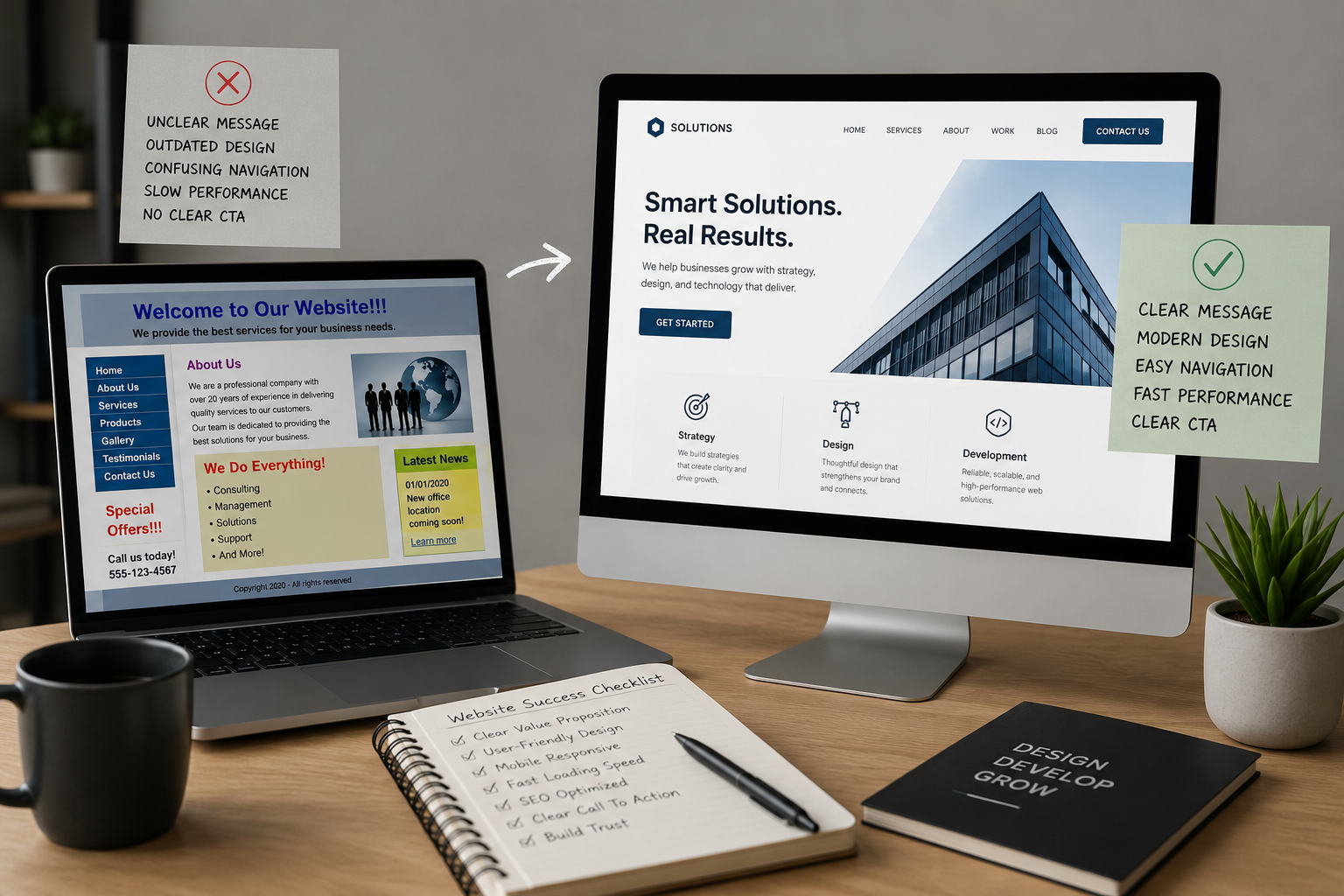
A website can look professional and still fail to generate enquiries, bookings, or sales. In many cases, the problem is not the business itself. The website simply does not make it easy for visitors to understand the offer, trust the company, or take the next step.
Your website should do more than exist online. It should represent your brand, answer your customers’ questions, and support your business goals. As we explored in The Real Cost of Bad Design for Your Business, weak design choices can affect credibility, usability, and how people perceive a company.
So, why do so many small business websites fall short?
1. The Message Is Not Clear
Many websites try to say everything at once. The homepage may promote every service, social media account, award, blog post, and special offer without giving visitors a clear place to begin.
Others rely on vague headlines such as “Building Better Possibilities.” It may sound creative, but it does not explain what the business actually does.
A visitor should quickly understand:
- What you offer
- Who it is for
- What they should do next
How to Fix It
Use a direct headline and one primary call to action.
For example:
Custom Website Design for Toronto Small Businesses
We create responsive, user-friendly websites that help businesses build credibility and attract more customers.
The message is specific and easy to understand. It also connects the website to a clear brand identity. Our article on Branding vs Marketing explains why consistent branding should support every part of your customer experience.
2. The Design Does Not Build Trust
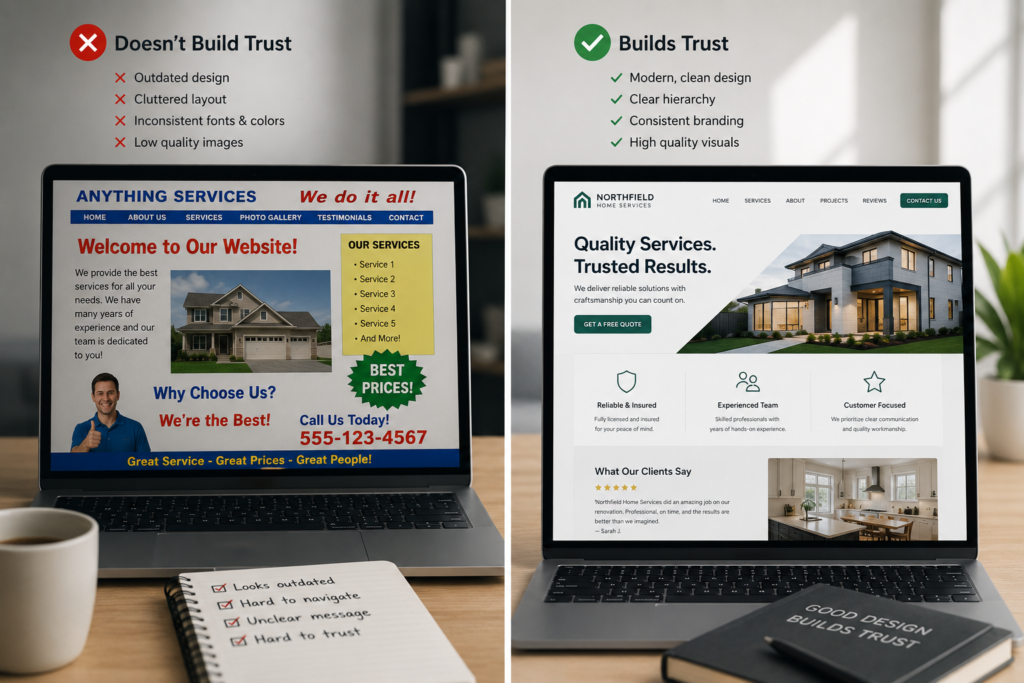
Your website may be the first experience someone has with your company. If it appears outdated, crowded, or inconsistent, visitors may question the quality of the business behind it.
Mismatched fonts, blurry images, poor spacing, broken layouts, and inconsistent colours can make a legitimate business appear less professional.
How to Fix It
Create a consistent visual system with a defined colour palette, readable typography, professional imagery, and clear button styles.
Good website design is not simply decoration. It should express your brand while making information easier to understand. At 11th Floor Design Studio, our web design services combine visual identity, functionality, mobile optimisation, and user experience.
3. Navigation Is Confusing
Visitors should not have to search through several pages to find your services, work, or contact information.
Complicated menus, unclear labels, broken links, and hidden contact details create friction. The more difficult a website feels, the more likely someone is to leave.
How to Fix It
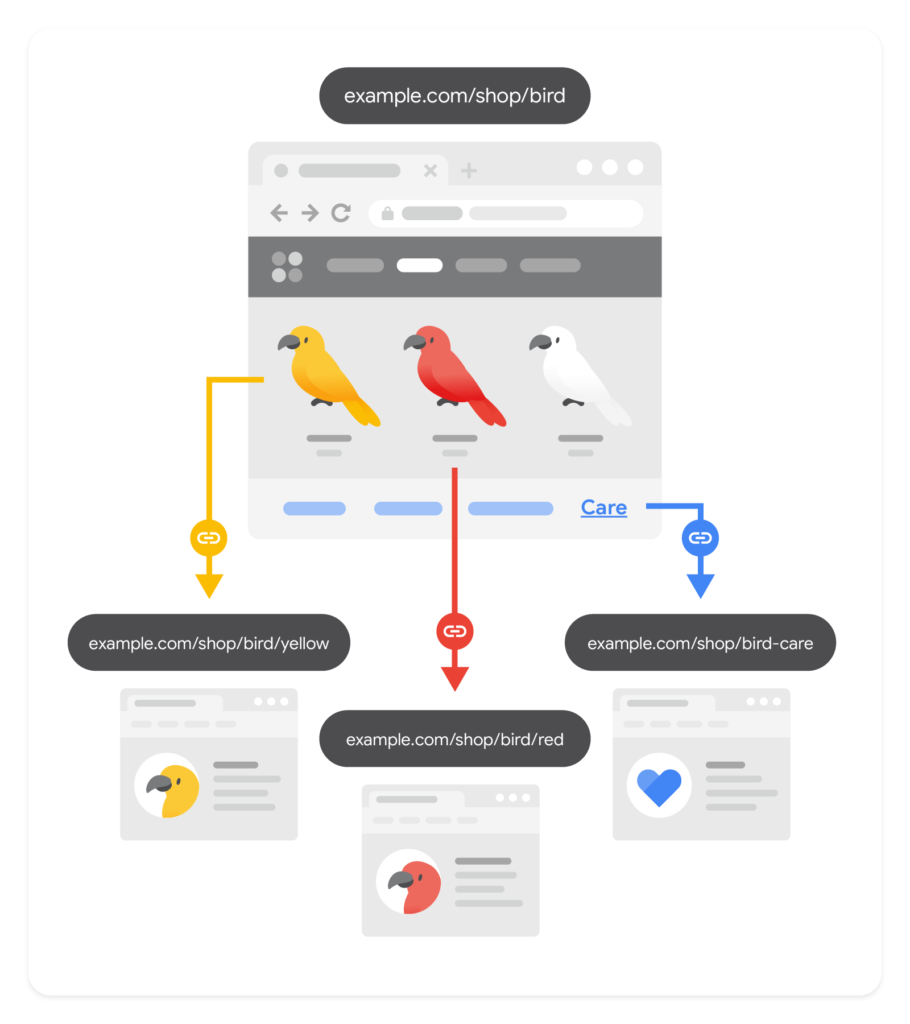
Keep the main navigation simple. Familiar labels such as About, Services, Work, Blog, and Contact are usually more effective than overly creative names.
Clear navigation is an important part of UI and UX design. It helps visitors move naturally through the website and find what they need without instructions.
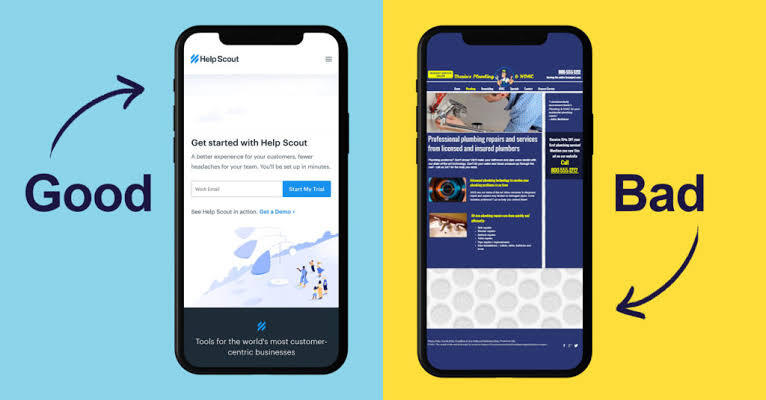
4. The Mobile Experience Is Poor
A website may look impressive on a desktop computer but become difficult to use on a phone. Text may be too small, buttons may be hard to tap, and images may extend beyond the screen.
Google uses the mobile version of a site for indexing, which makes mobile design important for usability and search visibility. You can learn more through Google’s guide to mobile-first indexing.
How to Fix It
Test every important page on different screen sizes. Check the menu, forms, images, buttons, text size, and spacing.
Mobile design should be considered from the beginning, not added after the desktop version is finished.
5. The Website Is Too Slow
Large images, unnecessary animations, outdated plugins, and poor hosting can slow down a website.
Visitors may leave before a page finishes loading, especially on mobile. Slow performance can also make the overall experience feel less professional.
How to Fix It
Start by testing the site with Google PageSpeed Insights. You can also review Core Web Vitals, which focus on loading performance, responsiveness, and visual stability.
Compress oversized images, remove unused plugins, limit heavy animations, and use reliable hosting. The goal is not to remove creativity. It is to make sure creative elements do not interfere with usability.
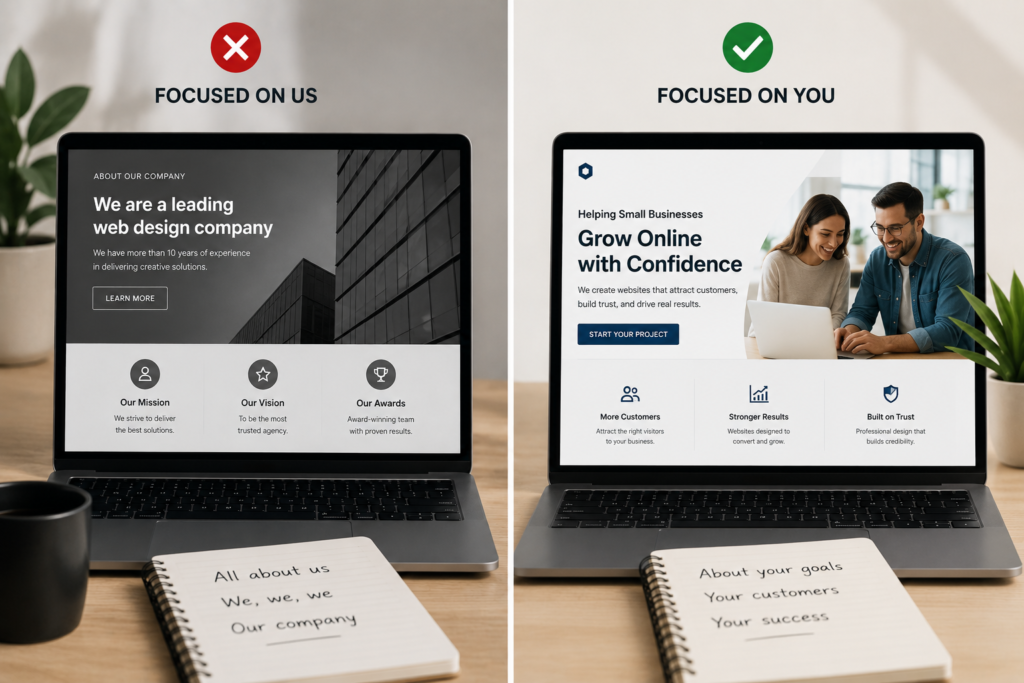
6. The Content Focuses on the Business, Not the Customer
Many websites talk mainly about how passionate, experienced, or dedicated the company is. That information can help, but customers are usually asking different questions:
- Can this business solve my problem?
- Does it understand what I need?
- Why should I choose it?
- What happens after I contact them?
How to Fix It
Explain the customer’s problem, your solution, and the benefit of working with you.
Instead of:
We provide professional website design services.
Try:
We create clear, responsive websites that help small businesses build trust and turn more visitors into customers.
The second version still describes the service, but it also explains why the service matters.

7. There Is No Clear Path to Action
Even an interested visitor may leave if the next step is unclear. This often happens when contact information is difficult to find, forms are too long, or every button uses a different message.
A website cannot support business growth if it creates unnecessary obstacles between interest and action.
How to Fix It
Use direct calls to action such as:
- Request a Quote
- Book a Consultation
- View Our Work
- Start Your Project
Keep forms simple and only ask for information you genuinely need.
Trust signals can also make the decision easier. Add client testimonials, credentials, team information, and real project examples. A well-organised website design portfolio shows potential clients what you can do instead of simply telling them.
8. SEO and Accessibility Are Added Too Late
A visually attractive website can still struggle if search engines cannot understand it or people cannot use it easily.
Clear headings, descriptive page titles, useful content, internal links, image alt text, and logical page structures support search visibility. Google’s SEO Starter Guide provides a helpful introduction.
Accessibility is also part of good design. Readable text, sufficient colour contrast, descriptive links, keyboard-friendly navigation, and properly labelled forms help more people use your website.
For more guidance, read our article on Designing for Accessibility or explore the W3C Web Accessibility Initiative.
How Can a Small Business Website Succeed?
A successful website is more than a digital brochure. It is a business tool that should communicate value, build trust, guide visitors, and make the next step easy.
Small business websites often fall short when branding, content, user experience, mobile design, SEO, and performance are treated as separate tasks. The strongest websites bring these elements together as part of one clear strategy.
At 11th Floor Design Studio, we create customised websites that combine thoughtful design with functionality, branding, responsive development, and user experience. Whether you are launching a new business or improving an existing website, our goal is to create an online presence that supports real growth.
Ready to improve your website? Contact 11th Floor Design Studio to discuss
Leave a Reply