


Essential Design Tools: How Modern Platforms like Figma Support Professional UI and Brand Design
Have you ever wanted to collaborate on a design project with multiple partners, but didn’t know how? Undoubtedly, this might have happened to you on several occasions. Essential design tools like Figma are gaining recognition as the go-to platform for digital design collaboration and are helping agencies like 11th Floor Design deliver stronger results for clients.
The Premise of Figma
One of the most enticing features of Figma is that it allows individuals to collaborate on a project in real time, no matter where they are. For example, let’s say you are designing a website, and you are a team of designers consisting of a front-end designer and a developer, both working from different locations. Figma lets your team work together as if you are in the same design studio, which is valuable when building professional web design projects and digital experiences.
One of the best things about using a tool like Figma is that it runs on any browser, no matter what it may be, whether it is Windows, Mac, or Linux. This feature makes it easy for anyone to join, review, or contribute, which is especially useful for collaborative UI and UX design work.

Where Can you use Figma?
Figma has several real-time uses; it is great for designing websites, mobile app interfaces, and traditional page layouts. Below are a few real-time cases that demonstrate Figma’s versatile use.
Use these when referencing learning Figma basics or onboarding new designers:
- Figma Getting Started Guide
https://help.figma.com/hc/en-us/categories/360002051613-Get-started - Figma Education and Learning Hub
https://help.figma.com/hc/en-us - Learn Figma Essentials (official course-style resource)
https://www.figma.com/resources/learn-design/
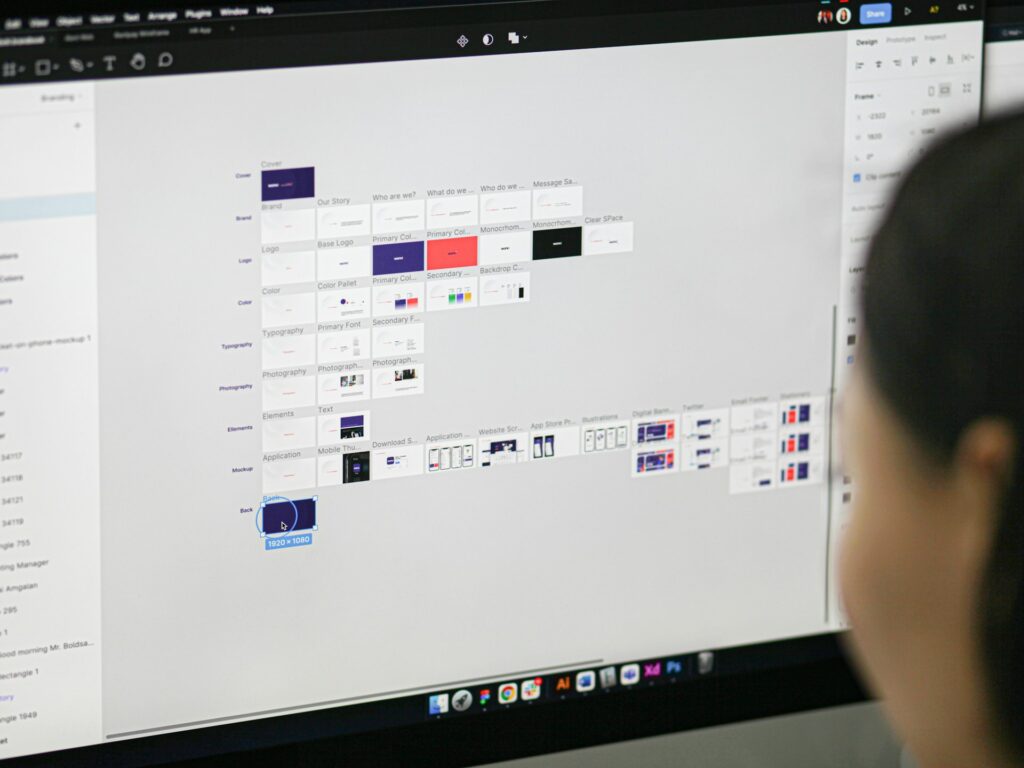
Creating Mobile Interfaces
Figma can be used to design mobile interfaces. It allows users to create multiple screens, build interactive prototypes, and even test out the user experience before launching the app in the development phase. Figma can be particularly useful for UX designers who want to validate their ideas early in the design process to ensure the app is intuitive and user-friendly.
For insight into UX best practices, you can also explore trusted resources like Nielsen Norman Group.
Presenting Designs
Figma’s presentation mode lets you showcase your design to a client, judges in a competition, or stakeholders. The presentation mode transforms your files into polished presentations, easing communication and allowing you to receive feedback.
If you want professional support developing client-ready presentations and layouts, explore our branding and design services.
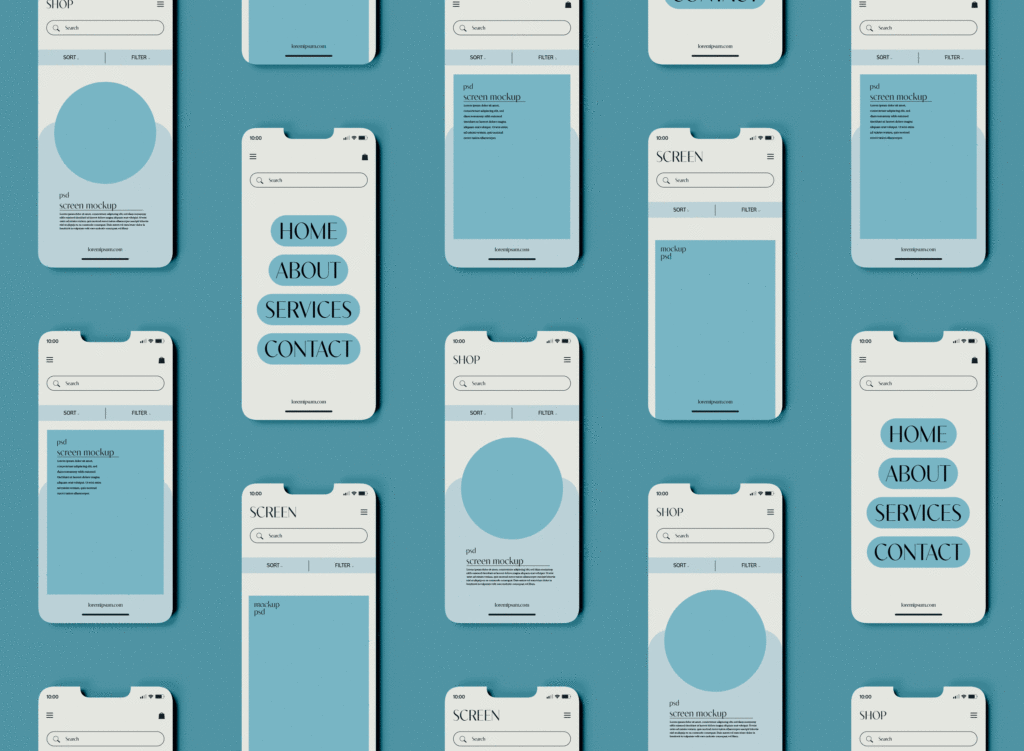
Designing Websites
When you are planning to design a website, you will come across various wireframes and prototypes to plan the layout. Figma eases the process, allowing you to refine your design while collaborating with others. This helps you make informed decisions that lead to a final website layout that’s captivating and meets all requirements.
Design File Management
Figma keeps all your files organized by allowing you to create reusable components and define styles. That, in itself, allows your projects to be consistent and saves you time by reusing elements and ensuring your files are organized and easy to navigate.
What are the Benefits of Using Figma?
Figma has several uses and benefits, but one of its most enticing features is its collaborative feature. As a cloud-based tool, you can access your design project from any device. It also includes a control feature that lets you track all your changes and revert to earlier design versions if needed. You can also get real-time feedback from all project collaborators using the design feedback feature, which lets them leave comments directly on the design itself.
With its wide range of uses, Figma is the right design tool for creating captivating designs for webpages, layouts, and traditional applications. Thanks to its collaborative feature, you no longer need to email layouts and use traditional messaging applications to get feedback on your design. After all, everything is in one location, making collaboration not just optional, but feasible and expected!
If your business is ready to elevate its digital presence with thoughtful design and strategy, connect with our team at 11th Floor Design to get started.
Leave a Reply